
About MemGUI
MemGUI is a powerful, intuitive desktop GUI client for Memcached with a search DSL, query history, SSH/SASL connections, dump import/export, encrypted local storage, and fast threaded search. Manage connections, switch between servers, and keep every key, stat, and connection in view.
Version 1.3.1 adds a custom search DSL with export filtering, query history, faster threaded key search, plus help and connection reactivation.
What is new in 1.3.1
Released 2026-01-27. Latest release highlights.
Added
- Custom search DSL with extensions and export filtering.
- Query history to quickly reuse recent searches.
- Help button and connection reactivation flow.
- Fallback language when a translation key is missing.
- Key list UI refreshed for faster browsing.
Changed
- Search language syntax updated for new DSL rules.
- Key search now runs with threads for responsiveness.
- Key search component streamlined for clarity.
- Private key selection no longer filters by file.
- Internal refactors removed ineffective overengineering.
Fixed
- Translation typos corrected across locale files.
Key Features
Search DSL + Query History
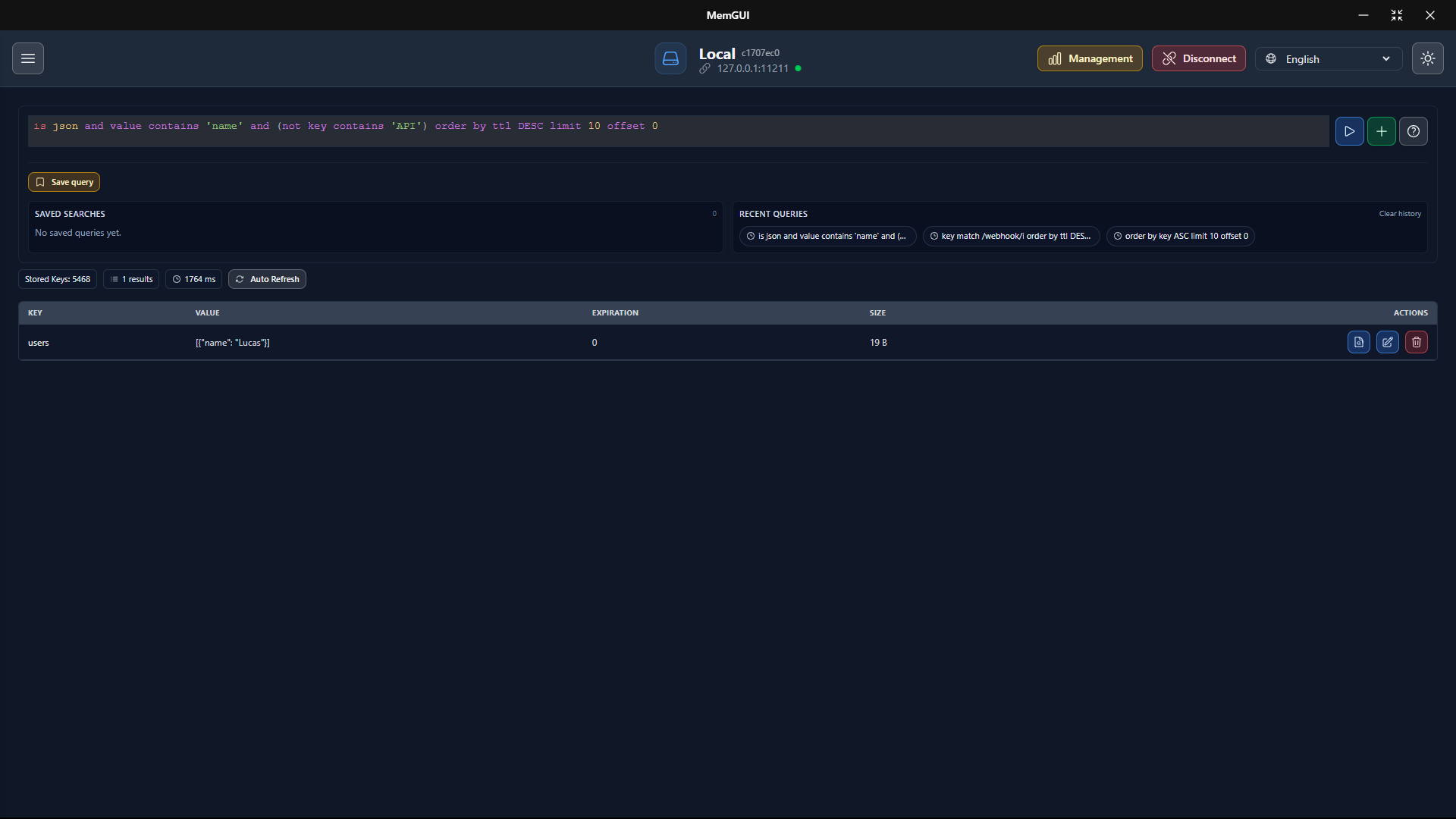
Filter keys with ordering and limits, then reuse searches from history to move faster.
Export Filtering
Export only what you need by applying DSL filters before dumping data.
Threaded Key Search
Responsive, threaded searches keep large datasets snappy and interactive.
SSH + SASL Connections
Connect securely with SSH tunnels and SASL authentication when required.
Encrypted Storage
Protect local data and SSH secrets with storage encryption.
Dump Import/Export
Export dumps for backup and import data back into a server.
Bulk Key Cleanup
Remove all keys on the current server in one action, with clear confirmations.
Server Insights
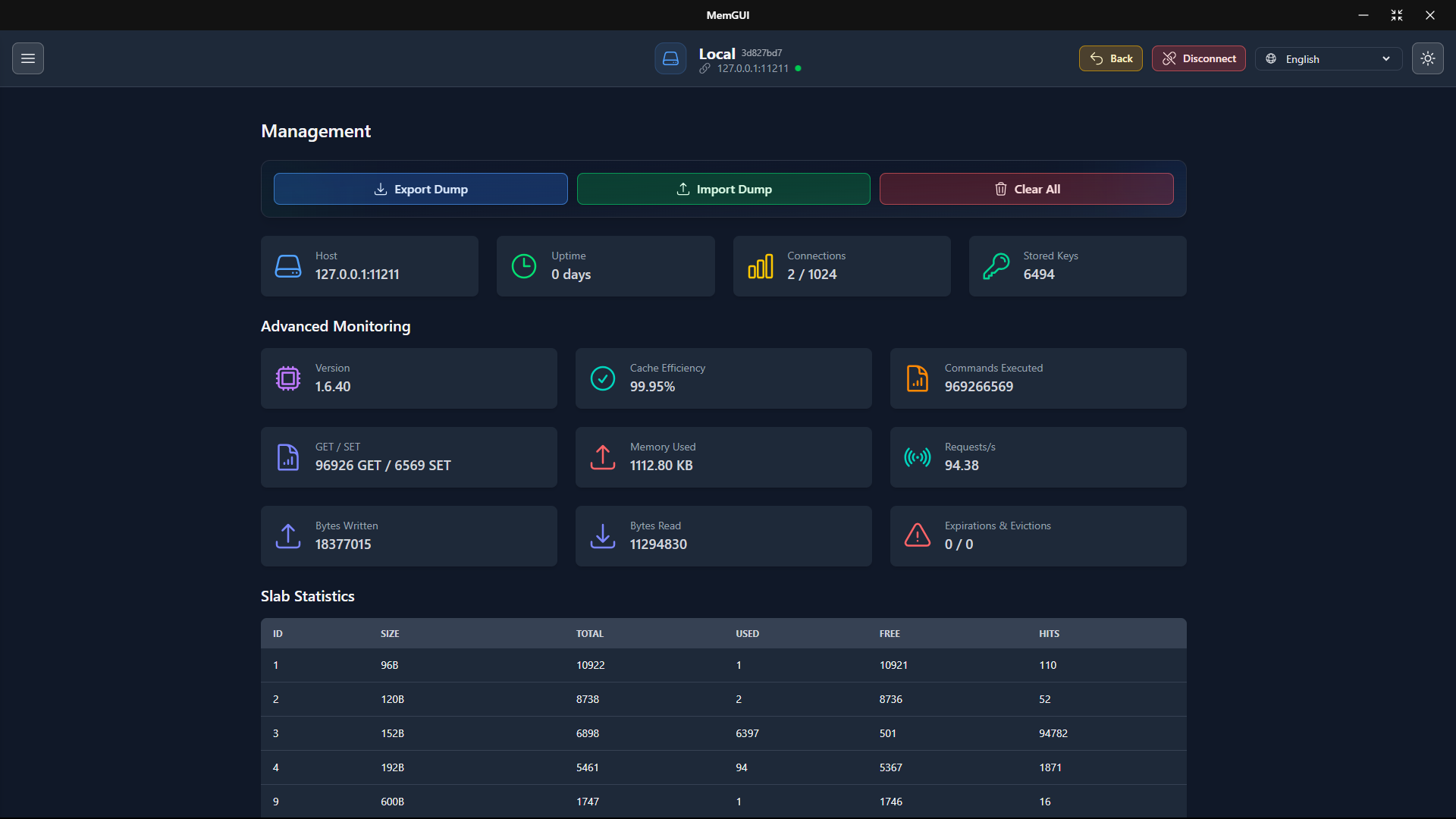
Track key counts, uptime, memory usage, and cache metrics.
Multi-language UI
Use Portuguese (Brazil), English, and other locales with fallback language support.
Download
Ready to streamline your Memcached workflow? Get the latest release from our GitHub Releases. Latest release: v1.3.1 with the new search DSL, query history, and threaded key search.
- Portable (Unpacked): unzip and run, no install required.
- Setup (Installer): guided setup for a seamless install.
Example
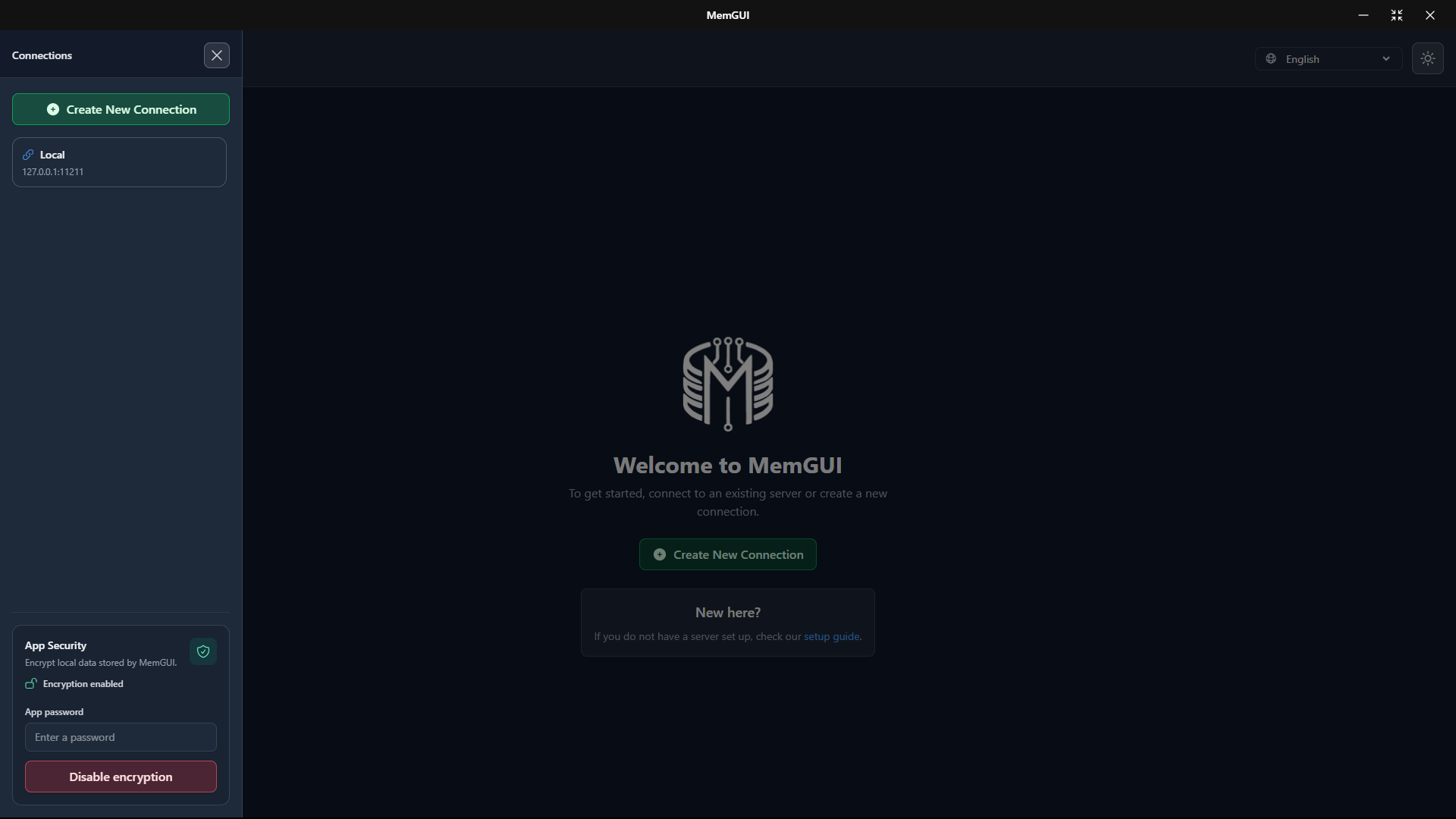
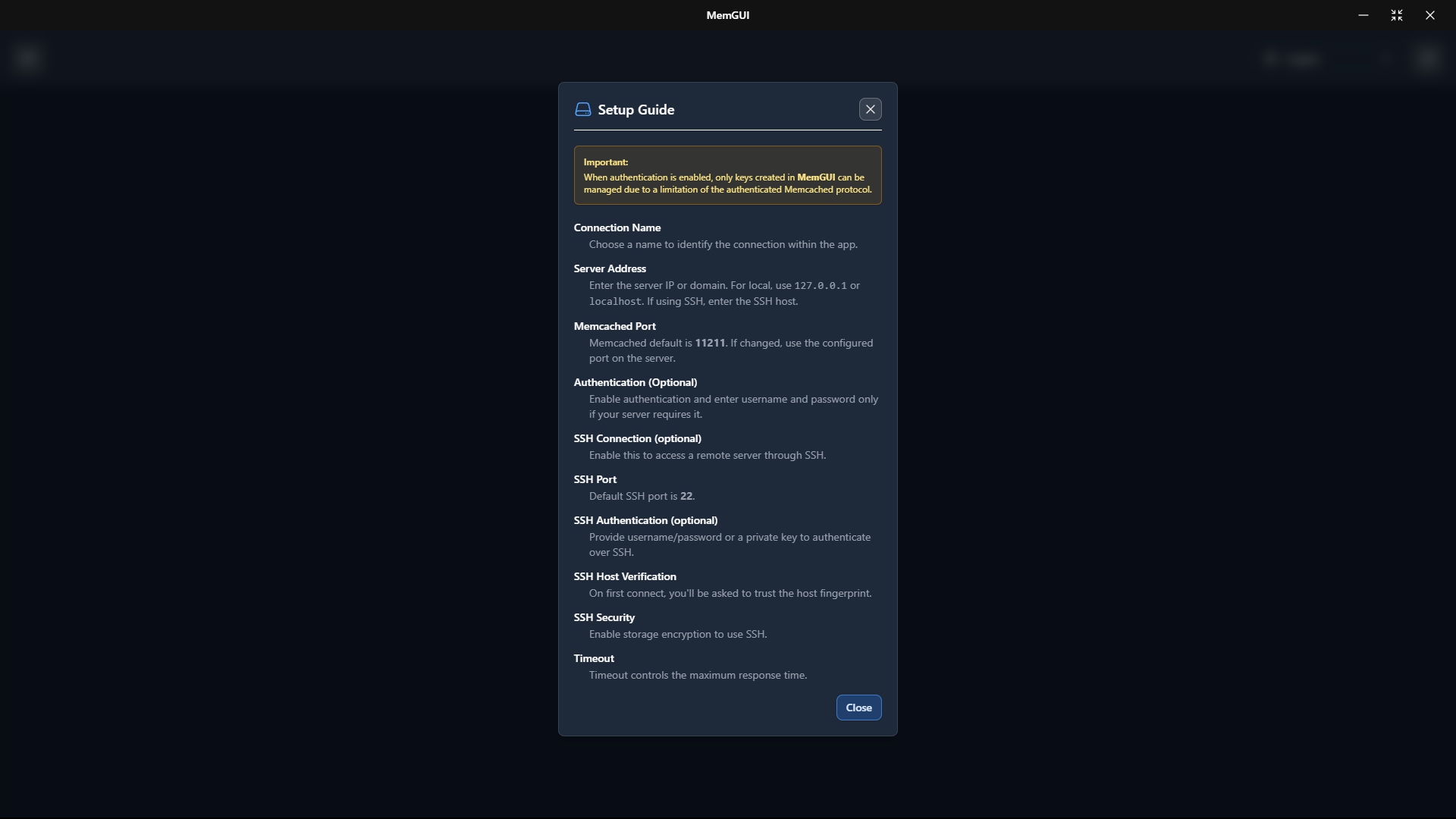
Dive into our intuitive interface. Below is a snapshot of the MemGUI home dashboard, connection guide, key list, and connection management.
Installation
Whether you opt for the portable version or the setup wizard, you will be running MemGUI in just a few clicks:
- Download your preferred package.
- Unpack or run the installer.
- Launch MemGUI and connect to your Memcached servers.
Need more help? Check out the README and our Wiki on GitHub for detailed steps and troubleshooting tips.
License
This project is distributed under a Non-Commercial Use Only License. You are granted a limited, non-exclusive, and non-transferable license to use this software for personal, educational, or non-commercial research purposes only. Commercial use - including selling, offering paid services, or integrating this software into commercial products - is strictly prohibited. For complete details, see our LICENSE file.
Contact
Have questions or suggestions? Interested in contributing to MemGUI? We would love to hear from you! Please visit:
Or open an issue on GitHub to report bugs or request new features.